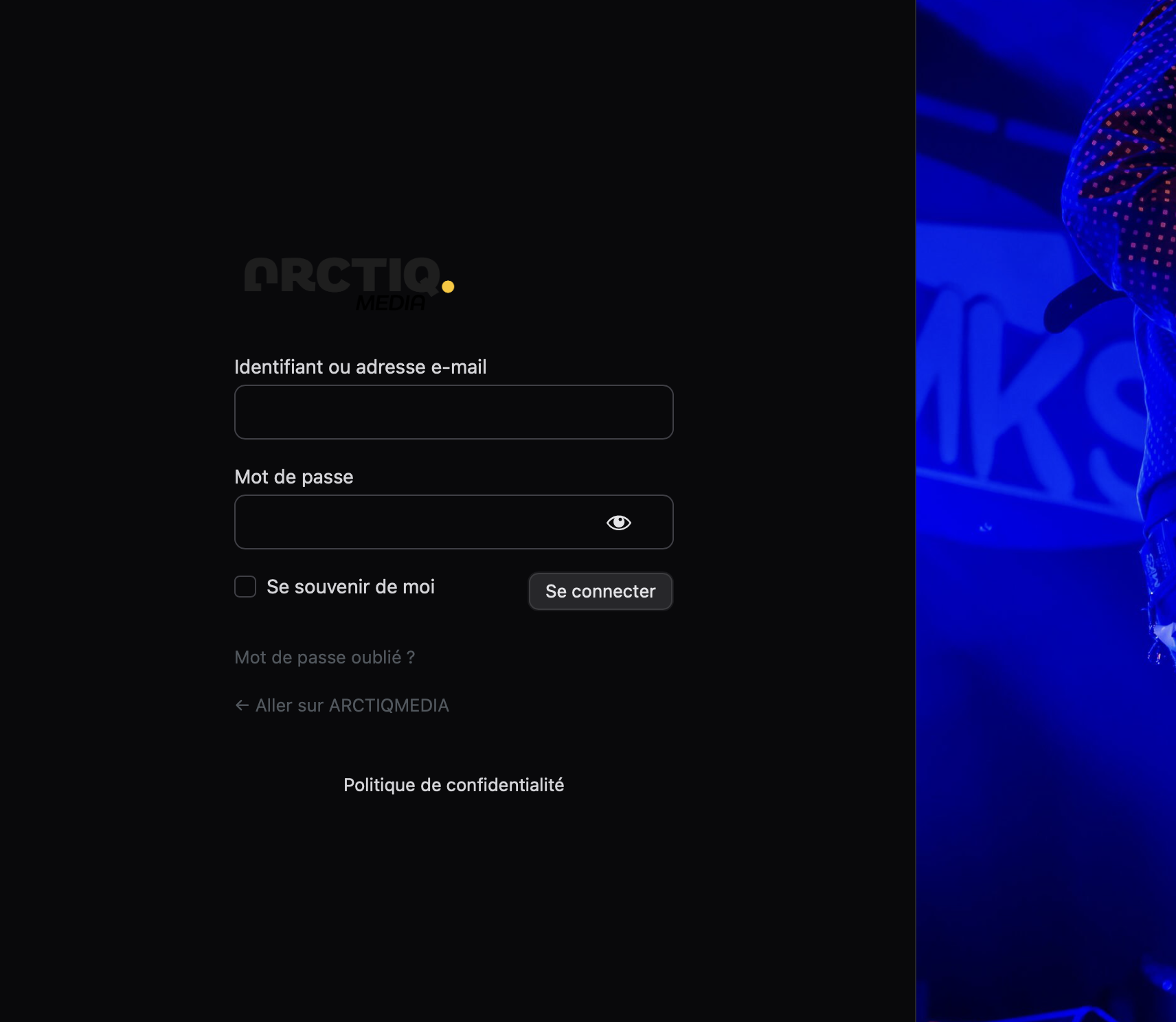
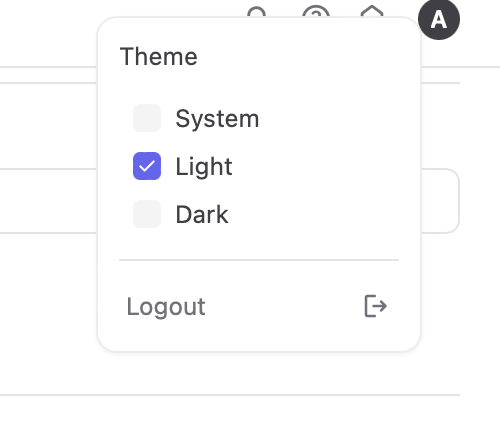
If the modern login page is enable in the UIXpress settings, the background color of the login page doesn’t match to the UIXpress settings (light/dark mode) but match to the system settings of the computer (mine is macOS). That’s a problem because logo does not match to the right light/dark mode. It’s using the light mode logo for the dark mode login page…
Could we have a switch in the UIXpress settings, specially for the login page, to enable (disable) light or dark mode ? It would be really great, because for exemple, I don’t want any dark mode for the login page. I would like a light background, and furthermore, for now it’s not really great with the wrong logo.
I hope that it’s not complicate. Tank’s !